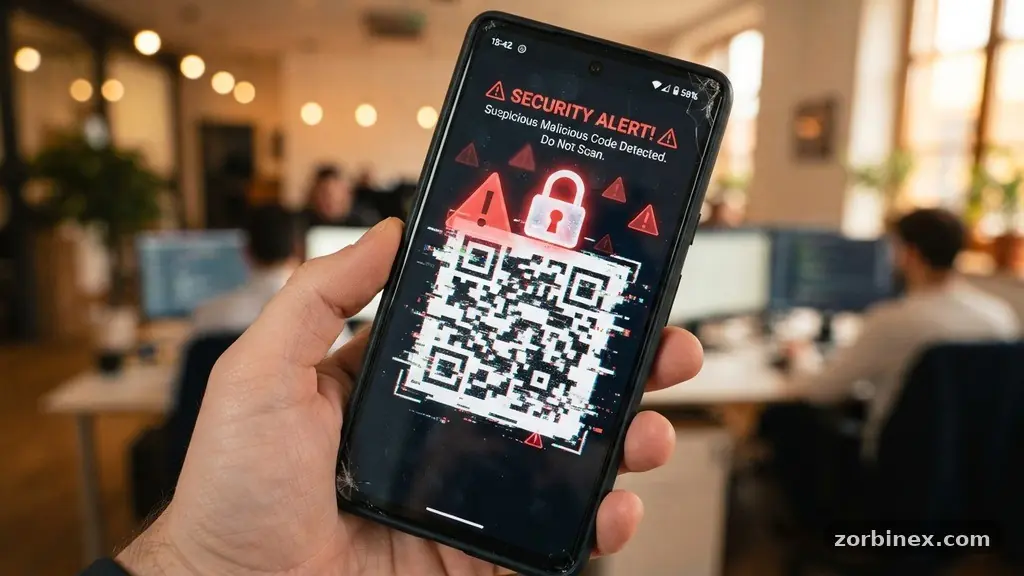
Telling whether a QR code link is safe to open has become a vital skill for anyone navigating our increasingly digitized world. These pixelated squares appear on restaurant menus, parking meters, and even product labels, offering a fast track to information or payments. However, their convenience masks a significant risk, as attackers often use them to distribute harmful software or harvest sensitive user data.
By learning to inspect the destination URL before you tap, you can protect your personal information from falling into the wrong hands. This guide provides the practical, actionable steps you need to maintain your digital safety while enjoying the benefits of modern technology.
The Anatomy of a Malicious QR Code
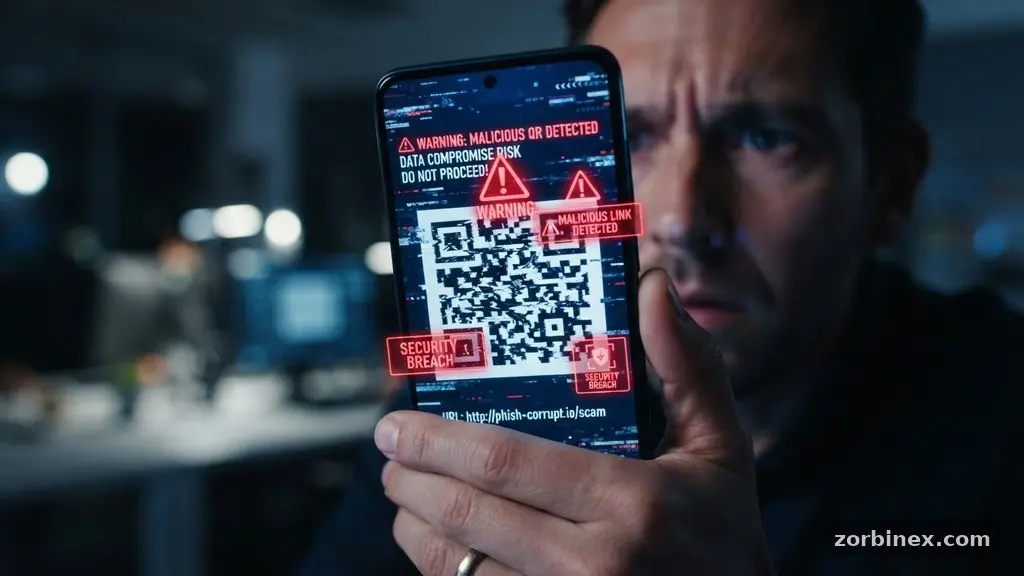
At its core, a QR code is simply a visual representation of a string of text, which is almost always a URL. When you point your camera at it, your smartphone translates that pattern into a digital address and asks if you want to visit the site.
The danger lies in the fact that you cannot see the actual destination until the code is decoded by your device. Attackers exploit this by embedding a malicious URL that leads to a fake login page or a site designed to trigger a download.
Many of these scams rely on social engineering to lower your defenses. For example, a sticker placed over a legitimate parking meter code might lead to a sophisticated replica of a municipal payment portal.
If you enter your credit card information there, you are handing it directly to a criminal. Because the visual appearance of the QR code is identical to the original, the victim rarely suspects foul play until their financial statement arrives.
Inspecting Links Before You Commit
The most effective way to practice digital safety is to slow down and inspect the URL before opening it. Most modern smartphone operating systems, including iOS and Android, display a small preview of the link when you scan a code.
Look closely at the web address that appears in the banner or pop-up. If the URL looks strange, contains random characters, or uses a suspicious domain name, do not tap it.
Many attackers use URL shortening services to hide the final destination of a link. While these services are used by legitimate companies to track marketing campaigns, they are also a favorite tool for bad actors.
If you see a shortened link, you can use an online preview tool or a “unshortener” website to reveal the full address before visiting. Checking the domain name for subtle misspellings—a tactic known as domain spoofing—is another critical defensive step.
Recognizing Warning Signs of Phishing
Phishing attacks are common in the world of QR codes because they rely on the user’s trust in the physical location where the code is displayed. If you scan a code in a public place, look for signs of tampering, such as a sticker placed directly over the original print. A high-quality, professionally printed code is usually safe, but a sticker that looks like it was printed on a home office printer should raise immediate red flags.
Be particularly cautious if the site asks for sensitive information like passwords, social security numbers, or banking details. Legitimate businesses rarely ask for this data immediately after you scan a code, especially for simple tasks like viewing a menu or downloading a brochure.
If a site demands you log in to an account you didn’t expect to access, close your browser immediately. These are classic indicators of credential harvesting attempts aimed at stealing your identity.
The Role of Browser Security
Your web browser is the final line of defense against a malicious URL. Modern browsers are equipped with advanced security features that analyze the reputation of websites in real-time.
If you happen to click a link that leads to a known phishing site or a server hosting malware, your browser will often display a full-screen red warning. Never click “proceed anyway” or “ignore” on these alerts, as they are specifically designed to stop you from entering a dangerous environment.
Beyond browser warnings, you should maintain your mobile device security by keeping your software up to date. Operating system updates often include patches for vulnerabilities that could allow a QR code to exploit your device’s hardware or software.
By ensuring your phone is running the latest version of its OS, you provide a layer of protection that works in the background. You can find more information on protecting your devices at the Cybersecurity and Infrastructure Security Agency official portal.
Common Tactics and Risks
To better understand the threat, it helps to look at the common methods attackers use to trick users. The table below outlines several common risks associated with scanning unknown codes and how they manifest in your daily life.
| Risk Type | Common Indicator | Likely Outcome |
|---|---|---|
| Phishing | Fake login page | Credential theft |
| Malware Payload | Automatic download | System infection |
| Suspicious Redirects | Excessive pop-ups | Ad revenue fraud |
| Data Harvesting | Requests for personal info | Identity theft |
Each of these risks can be mitigated by staying vigilant and maintaining a healthy dose of skepticism. If a code appears out of place or in an environment where you wouldn’t expect to see digital interaction, trust your instincts. It is always safer to navigate to a company’s official website manually through your browser rather than relying on a third-party link.
Digital Safety Best Practices
Adopting a set of reliable habits is the best way to ensure your digital safety remains intact. Consistency is key, especially when you are in a rush or distracted by your surroundings. Consider these essential practices for your daily routine:
- Always verify the physical location where the QR code is posted.
- Use a dedicated QR scanning app that shows the full URL before opening.
- Avoid scanning codes sent via email or text from unknown senders.
- Keep your smartphone’s operating system and browser updated.
- Enable two-factor authentication on all your sensitive accounts.
- Never enter payment details on a site reached through a random QR code.
These simple steps create a buffer between you and potential threats. By treating every QR code as a potential risk until proven otherwise, you effectively neutralize the majority of common attacks. It is not about avoiding technology, but about using it with the awareness that digital spaces require the same caution as physical ones.
Common Questions About QR Code Safety
Is it safe to scan a QR code on a parking meter?
Generally, yes, but you must look for signs of physical tampering. If the code appears to be a sticker placed over the original equipment, do not scan it. Instead, use the official app for the parking service or pay at the physical machine directly.
What happens if I accidentally open a malicious link?
Simply opening a link is often not enough to compromise your device, but it can lead to further risks if you interact with the page. Close the browser tab immediately and avoid downloading any files or entering any credentials. If you are concerned, clear your browser cache and cookies to remove any potential trackers.
Do I need an antivirus app on my phone?
While mobile operating systems are quite secure, an antivirus app can provide an extra layer of protection by scanning links and files. For most users, keeping the OS updated and avoiding suspicious sites is sufficient, but an extra tool can be helpful if you frequently scan codes in public.
Can a QR code automatically install malware?
It is very rare for a QR code to initiate a drive-by download without any user interaction. Usually, the code takes you to a website that then prompts you to download a “required” file or app. Never download or install anything from a site you reached via an unverified QR code.
How can I tell if a domain name is spoofed?
Look closely at the spelling of the URL in the address bar. Attackers often use subtle tricks like replacing an “o” with a “0” or changing the domain extension from “.com” to “.net”. If the URL looks slightly off or doesn’t match the official brand, it is likely a spoofed site.
Staying Secure in a Digital World
Telling whether a QR code link is safe to open is a manageable task once you know what to look for. By prioritizing caution, inspecting the URL, and keeping your software up to date, you can enjoy the speed and convenience of these tools without falling victim to cyber threats.
Remember that your vigilance is the most powerful tool in your security arsenal. If a link feels suspicious, trust your gut and walk away.
We hope these insights help you navigate your digital interactions with confidence and ease. By sharing these practices with friends and family, you contribute to a safer online environment for everyone. Stay curious, stay observant, and don’t hesitate to reach out if you have further questions about maintaining your digital safety in the future.